
How to mirror your Android phone to a TV without cables
Put your photos, slides and videos on the big screen in about a minute: what you need, four steps, and what to do if the TV doesn't show up.
Nov 5, 2026 · 2 min read · By Super Tools Apps
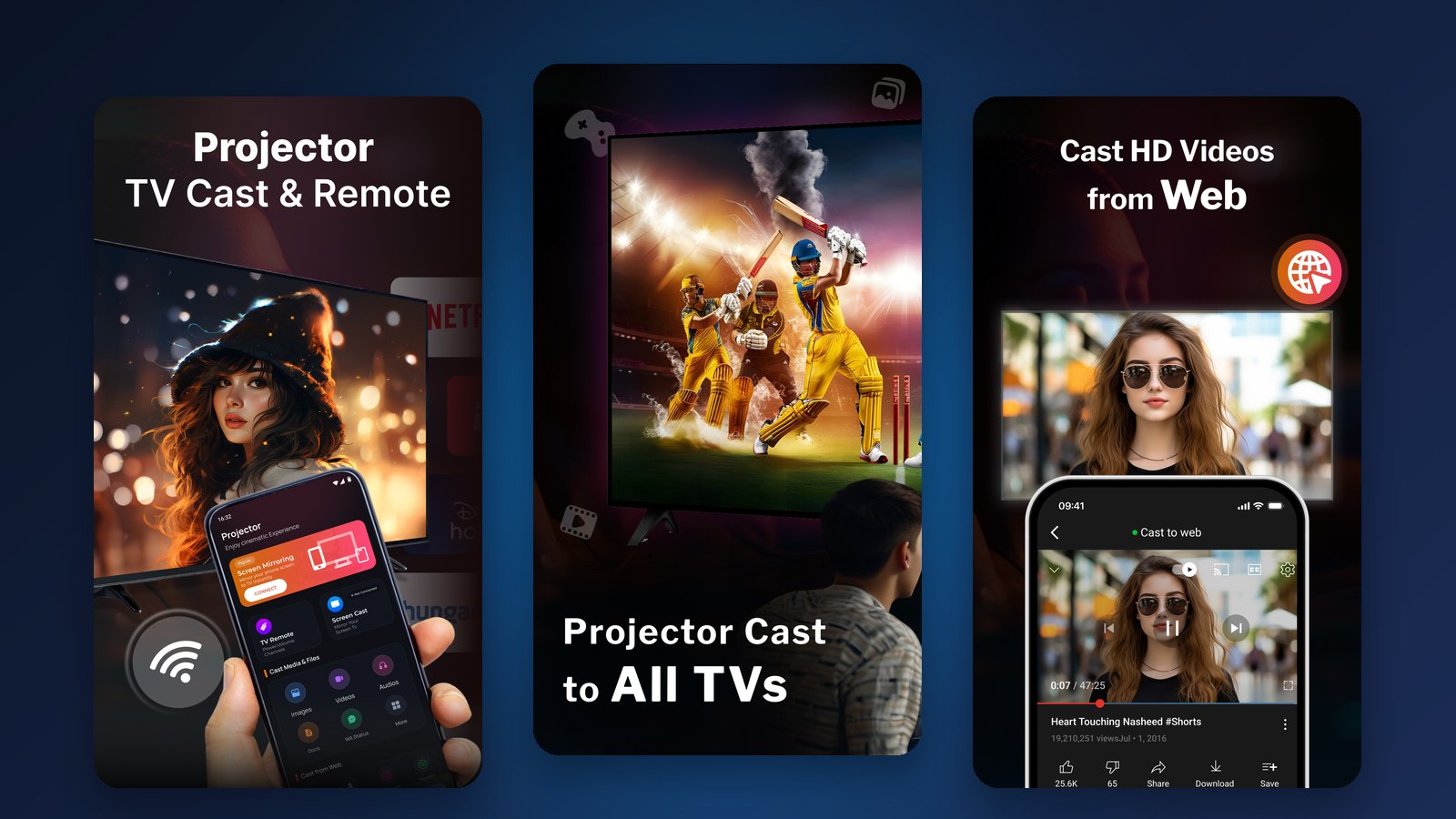
Photos, a presentation or a video look a lot better on a TV than on a phone. Most smart TVs, Android TVs and streaming sticks can show your phone's screen with no cables or adapters, and the setup takes about a minute.
What you need
- An Android phone.
- A TV that accepts a wireless picture: an Android TV, a TV with Chromecast, a Miracast-capable smart TV, or a Roku TV.
- For Chromecast and most smart TVs, the phone and the TV on the same Wi-Fi network.
Mirror your screen in four steps
- Install Projector AirCast & TV Remote from Google Play.
- Turn on the TV and connect it to the same Wi-Fi network as your phone.
- Open the app and pick your TV from the list of nearby screens.
- Tap to start screen mirroring. Whatever is on your phone now shows on the TV.
Mirroring or casting?
Screen mirroring shows your whole phone screen, as it is, on the TV. It's the right choice for slides, apps, photos and games.
Casting sends just one video to the TV, which plays it itself. That's better for long videos, because you can keep using your phone while the video plays.
Use your phone as the remote
Lost the remote, or tired of typing with it? The app also works as a TV remote, including for Roku TVs: volume, play, pause and menu navigation, all from your phone.
Good for more than movies
- Work: show slides in a meeting room without hunting for an HDMI cable.
- Class: put a lesson or a tutorial on the big screen.
- Home: share holiday photos with the family, or play a game on the TV.
If the TV doesn't show up
- Check that the phone and the TV are on the same Wi-Fi network (not a guest network).
- Make sure screen mirroring or casting is turned on in the TV's settings.
- Restart the TV and reopen the app.
Frequently asked questions
Do I need a Chromecast to mirror my phone to a TV?
No. Android TVs, Miracast-capable smart TVs and Roku TVs can also show your phone's screen. A Chromecast is one option, not a requirement.
Do the phone and the TV have to be on the same Wi-Fi?
For Chromecast and most smart TVs, yes. If the TV doesn't appear in the list, check that both are on the same network first.
Can I control the TV from my phone?
Yes. Projector AirCast & TV Remote includes a TV remote, Roku TVs included: volume, play, pause and navigation.


